August 24, 2026
Since my earliest days in IT, I’ve always described myself as “platform agnostic”—never religiously tied to one operating system, but choosing to master them all and recognizing that no single tool fits every job.
Back in my college days as a Business major, it was IBM PCs all the way. Big, hulking metal cases that could stop a bullet, paired with heavy, springy keyboards that offered incredible tactile feedback. It was DOS, then Windows, and every variant in between. I remember juggling a giant stack of floppies when experimenting with early pre-1.0 Linux builds.
I worked for a public policy consultancy in my salad days, and it was there I was exposed to the Macintosh. As well as CP/M (8-inch floppies!) for a client, but that’s another story. Much more elegant than my PC, and we had dial-up connectivity to TU for SPSS, which we used for statistical number crunching. Not to mention the great native graphics in reports.
Working in higher education, Macs were always the superior platform, even when Windows 3.1 finally arrived on the scene. Yes, I know that OS/2 was superior in a Betamax/VHS kinda way (protected memory spaces), but unless you were with a telecommunications company, Windows was it in the button-down, pinstripe, suspender-wearing work world that we inherited.
Fast forward a few years to my consulting days: I had clients that were both Mac and Windows shops. Publishing, oil and gas, graphic artists, nonprofits and foundations. When Apple shifted to Intel processors, it was a game-changer. I could finally carry just one laptop—a dual-boot MacBook partitioned for both macOS and Windows. I even ran Firefox and Thunderbird across both OSes, storing all shared data on the Windows partition so both systems could read and write seamlessly. I was no longer an IT pack mule!
Eventually, as the hardware aged and my daily work required heavy network management and monitoring tools, I migrated back to a Windows daily driver—progressing from XP to 7, 10, and 11.
Until now.
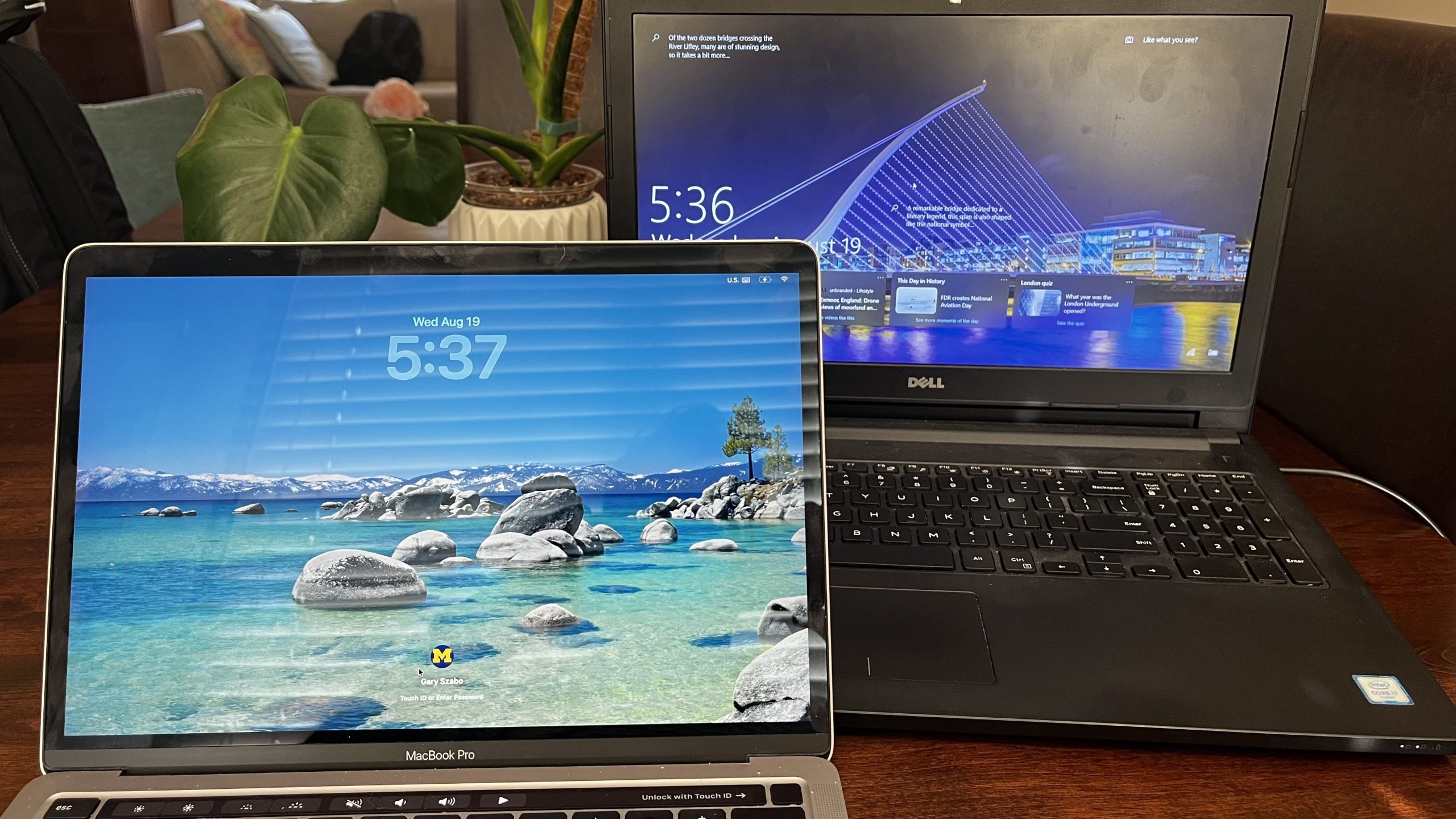
With my consulting work no longer requiring me to haul an entire lab’s worth of locally-installed tools, my Windows 10 laptop hit its end-of-life, and I decided it was time to head back to the Mac.
Using Apple’s Migration Assistant to pull everything from a Windows machine was as seamless as ever. A few immediate highlights from being back in the Apple ecosystem:
- Integrated Password Management: Apple’s built-in Passwords app syncs natively via iCloud across Mac and iPhone, eliminating the need for a separate paid third-party password manager.
- Frictionless AirDrop: Moving photos directly from phone to laptop without emailing or texting myself feels like a luxury.
- Stage Manager: This is a feature I REALLY like that I thought I wouldn’t. Linux variants (Ubuntu) had pioneered the concept of multiple desktops to minimize the clutter, and Windows 11 offers a version of that. But Apple’s approach I think is more elegant: with Stage Manager enabled, any application you’re working with “snaps” to the left of the screen, leaving your desktop clean and focused. Click on any of those other (stages?) and they swap — your formerly current thing and the new thing switch places. Coming from a BIG laptop screen (and big keyboard), I kinda dreaded losing all that real estate. Now I don’t have to.
Ultimately, all that and the maturity of the cloud has made the underlying OS far more superfluous than it used to be. When Microsoft 365, browser tools, and SaaS platforms house most of our data, the local operating system is just a thin lens between you and your work.
I still have far too many devices sitting around—vintage Macs, Windows 11 desktops, Raspberry Pis, and even a ChromeOS tablet. But for now, I’m thoroughly enjoying being back in the Apple environment. We’ll see where the tech takes me next.
Leave a Reply